For builders, carpenters & engineers
Calculator ft+
The construction calculator that speaks tape-measure. Feet, inches and 64ths in, nine length units converted live, and a real dimensional engine underneath — mix metres with feet, multiply lengths into areas and volumes, divide a distance by a speed and get time. It listens — say “square root of 144 divided by 3” — it takes typed requests in plain English, and a press-hold on the value opens a construction keyboard with units, constants and tape-measure fractions. And underneath lives a full RPL computer — infinite object stack, programmability, plotting and symbolic algebra, in the spirit of the legendary HP handhelds.
What it is
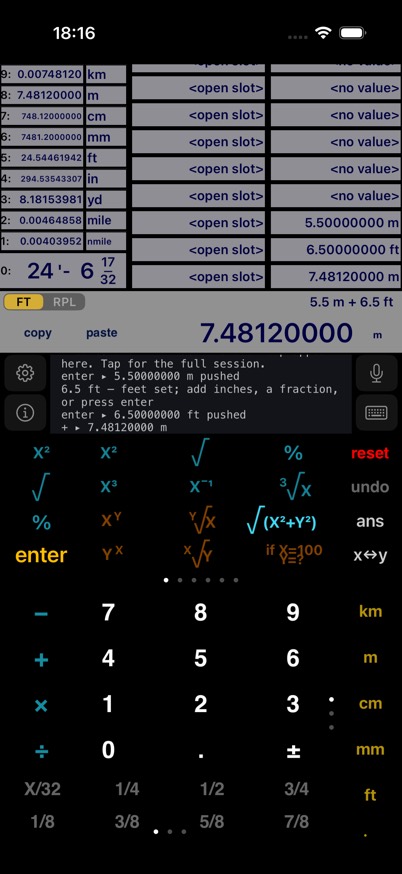
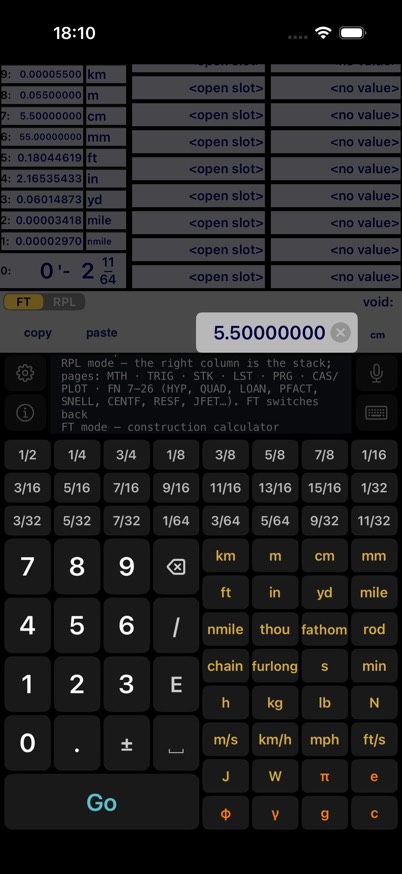
Calculator ft+ is an RPN calculator built around how measurements actually work on a job site. Type 5 ft 3 ½ in the way you read it off the tape. Watch every entry convert to km, m, cm, mm, ft, in, yd, miles and nautical miles at once. Add metric to imperial freely — the first unit you entered wins. Multiply two lengths and the result is a true area; take the square root of an area and you're back to a length. Enter a mass, multiply by gravity, and the display reads newtons.
Screenshots
Features
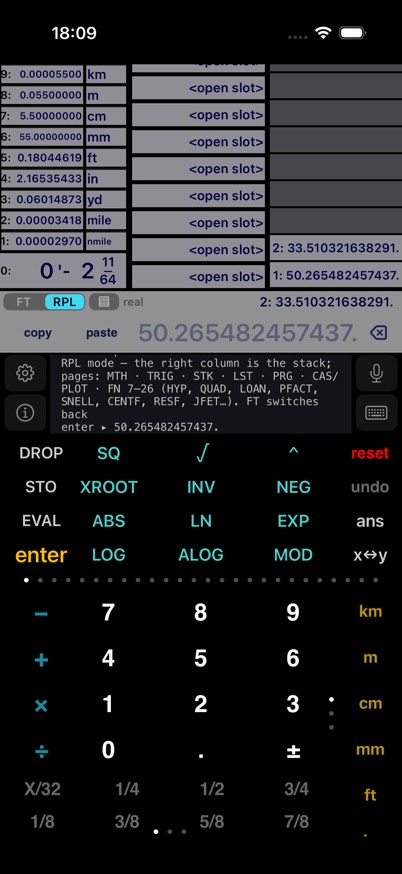
- A real RPL machine. Infinite typed object stack, 32-digit precision, programs « », lists, vectors, unit objects and algebraics — with soft menus, ALPHA mode and a VAR menu, persisted across launches.
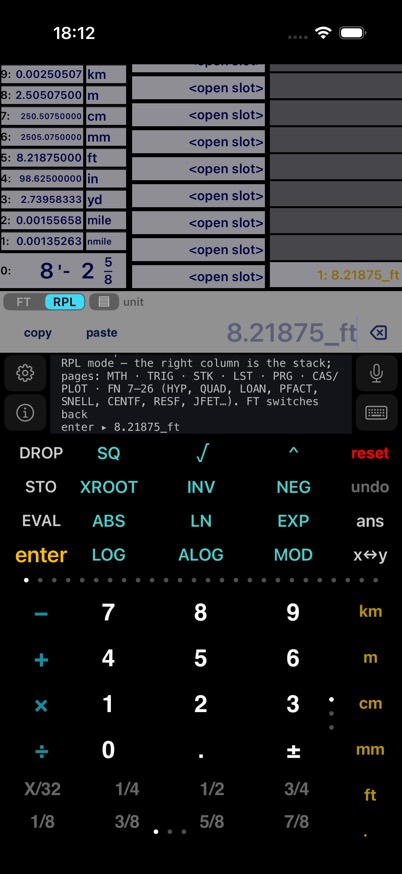
- Two worlds, one value. Send the tape-measure display onto the RPL stack as 5.5_ft, do unit math there, send the result back to the ft-in readout.
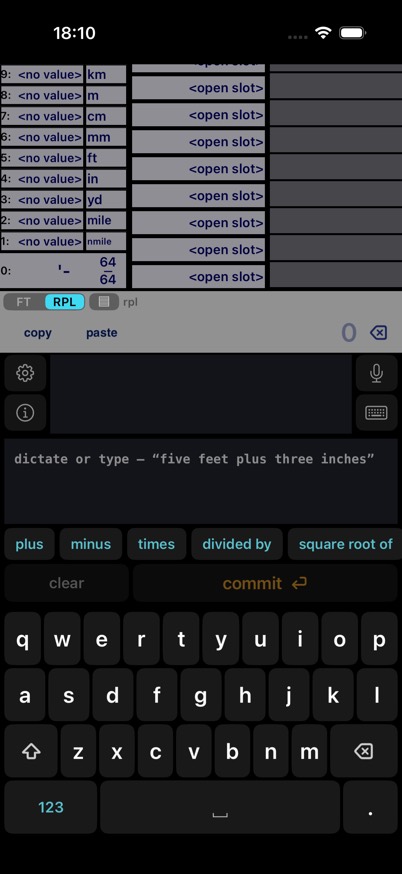
- Unified RPL mode. Flip one key and the whole calculator speaks RPL — the history column becomes the stack, the scroller becomes soft menus, the tape readout mirrors level 1, and “5 ft 3 1/4 in” compiles to a length object. The HP-style workspace stays a Settings tap away.
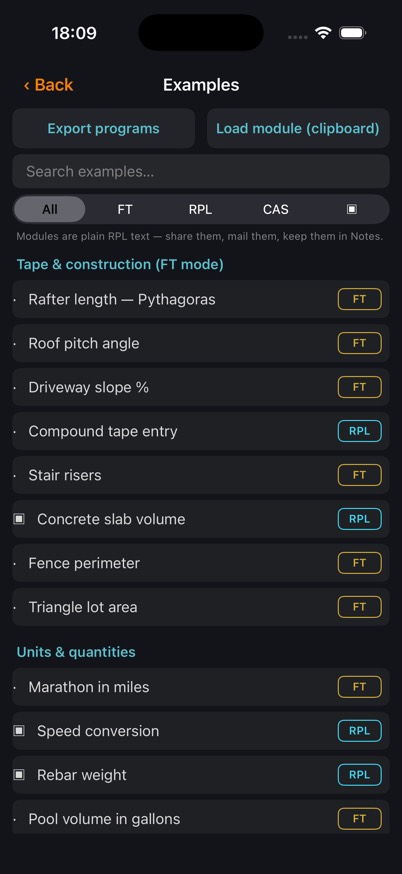
- A hundred and ninety worked examples & modules. A built-in, searchable, filterable tutorial library spanning a whole engineering programme — tape math through beam deflection, Reynolds numbers and voltage drop, the complete HP equation library in 86 programs across gases, heat transfer, columns and beams, stress, fluids, optics, magnetism, motion, electricity and solid-state devices, plus a twenty-program RPL course and a ten-graph plotting workbook. Every one is solved keystroke by keystroke against a screenshot of the calculator, 91 of them with a lettered reference diagram, with one-tap STO ▸ memory, plain-text program export, and clipboard module loading.
- Plotting & CAS. Graph any expression the engine can evaluate; expand, differentiate and solve polynomials symbolically.
- Tape-measure entry. Feet, inches and fractions down to ¹⁄₆₄″ — plus X/32 and X/64 keys that turn any whole number into 32nds or 64ths of an inch.
- Nine units, live. Every value converts to km, m, cm, mm, ft, in, yd, mile and nmile the moment you enter it — plus thou, fathom, rod, chain and furlong.
- Cross-unit arithmetic. 1 m + 100 cm × anything — the first-entered unit wins, always.
- Real dimensional algebra. length × length = area, area × length = volume, √area = length, and adding a length to an area is an error, not a mistake.
- Physics units. Seconds, minutes, hours, kg, lb, m/s, km/h, mph, newtons, joules, watts. 10 kg × g = 98.07 N. 100 m ÷ 5 m/s = 20 s.
- Voice & typed requests. On-device speech recognition and a typed-request field turn plain English — units included — into results.
- Press-hold editing. Hold the value (or the ft-in readout) and edit it with a cursor on a construction keyboard — “5 ft 3 1/4 in” commits as 5.2708 ft.
- Make it yours. Hold a prime key to swap in any operation you use most; hold a unit key to drag the column into your own order — both remembered.
- Colour-coded keys. One-value teal, two-value amber, trig periwinkle, conversions green, construction cyan, constants orange — you can read a page at a glance.
- A calculator that explains itself. The help window narrates each step; tap any operation with an empty display to read what it does.
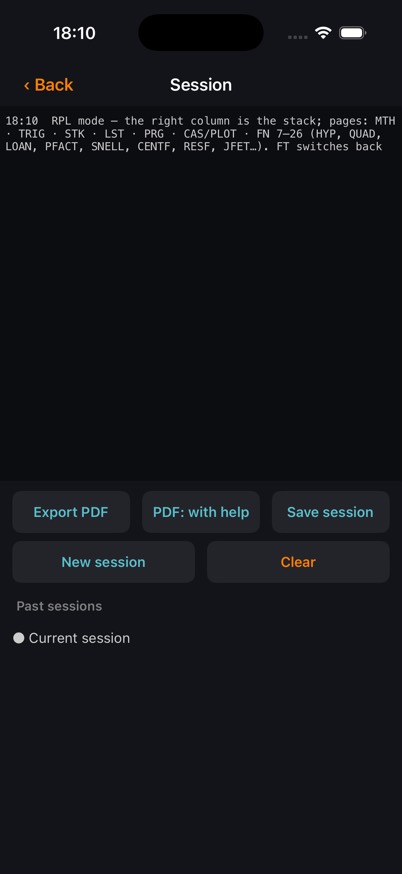
- Sessions you can hand over. Timestamped transcripts, 18 unit-aware memory slots and an unlimited history stack that survive restarts — exported to PDF for the site file.
- Scientific core. Trig in degrees or radians, hyperbolics, logs, roots, powers, nCr/nPr, factorial, roof pitch and percent grade.
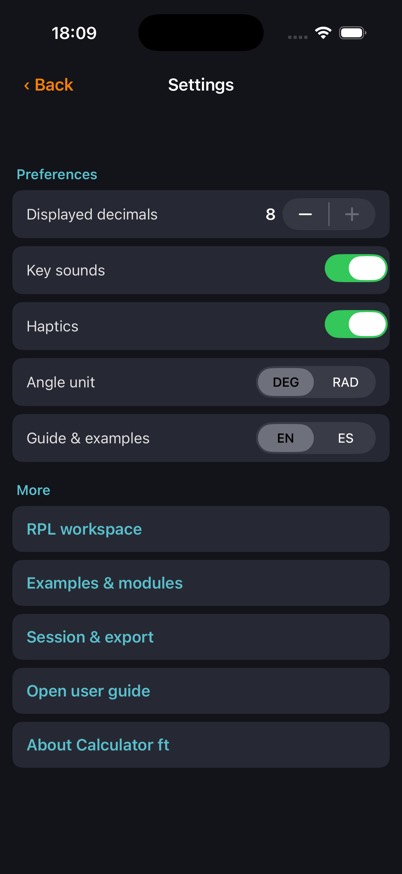
- Made for the job site. Big keys, high-contrast display, haptic feedback, and 8-decimal precision with scientific notation when numbers get extreme.
The manual
Calculator ft+ Field Manual → Twenty-seven chapters — every key, every formula, every unit, with animated, step-by-step touch guides. The same manual ships inside the app. Manual de campo en español → El manual completo de 27 capítulos, traducido — mismos pasos animados, mismas capturas. También incluido dentro de la app.Support
Questions, ideas, or something not adding up? Write to support@macdevstudio.com and include the session PDF if you can — it makes puzzles easy to solve.