Piano H88
The only piano you will ever need: a full 88-key grand that plays to how you touch it — it reads how much finger is on the key and turns it into sound — with every tool built in, and not an ad in sight.
Why "H88"? Eighty-eight keys, plus the note H — the sounds between the notes: a whistled or hummed tone that swells and slides like a theremin in Glide mode, and the shading a finger's slight movement adds on a key. Those in-between notes are where the name came from.
Touch that means something
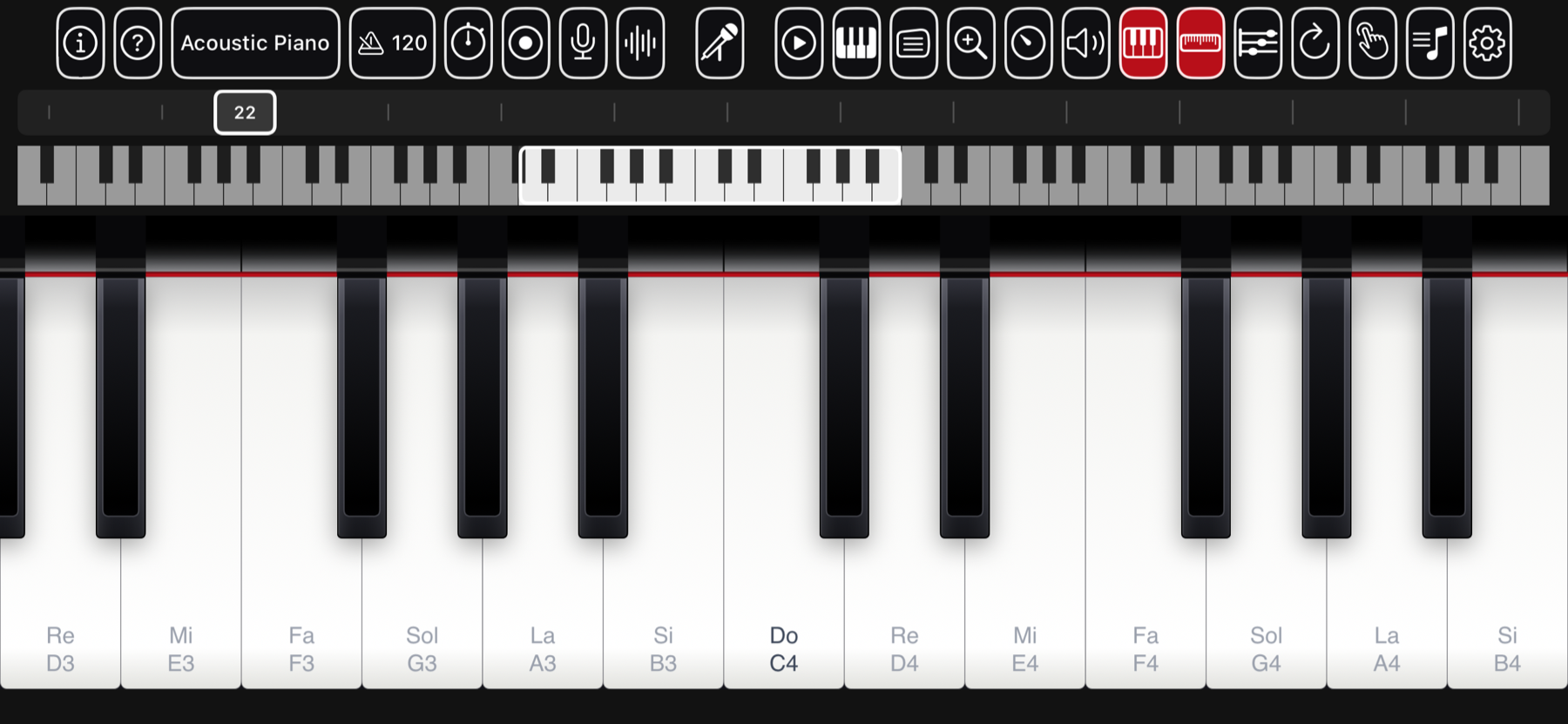
Most phone pianos are on or off. Piano H88 measures the size of the contact patch under each finger — how much of the key you are actually covering — and maps it to loudness, brightness, and the visual depth of the key sinking. Flatten a finger for a fuller note; catch a key with a fingertip for a soft one. It works on every modern iPhone and iPad, on every touch at once, with no special hardware. Prefer it simple? Turn touch dynamics off for one steady velocity, or run the guided calibration to fit the range to your own hand.
A look inside
What's in it
- All 88 keys, glissando and hand-driven zoom
- Contact-area touch dynamics — or a fixed velocity
- Guided per-player touch calibration
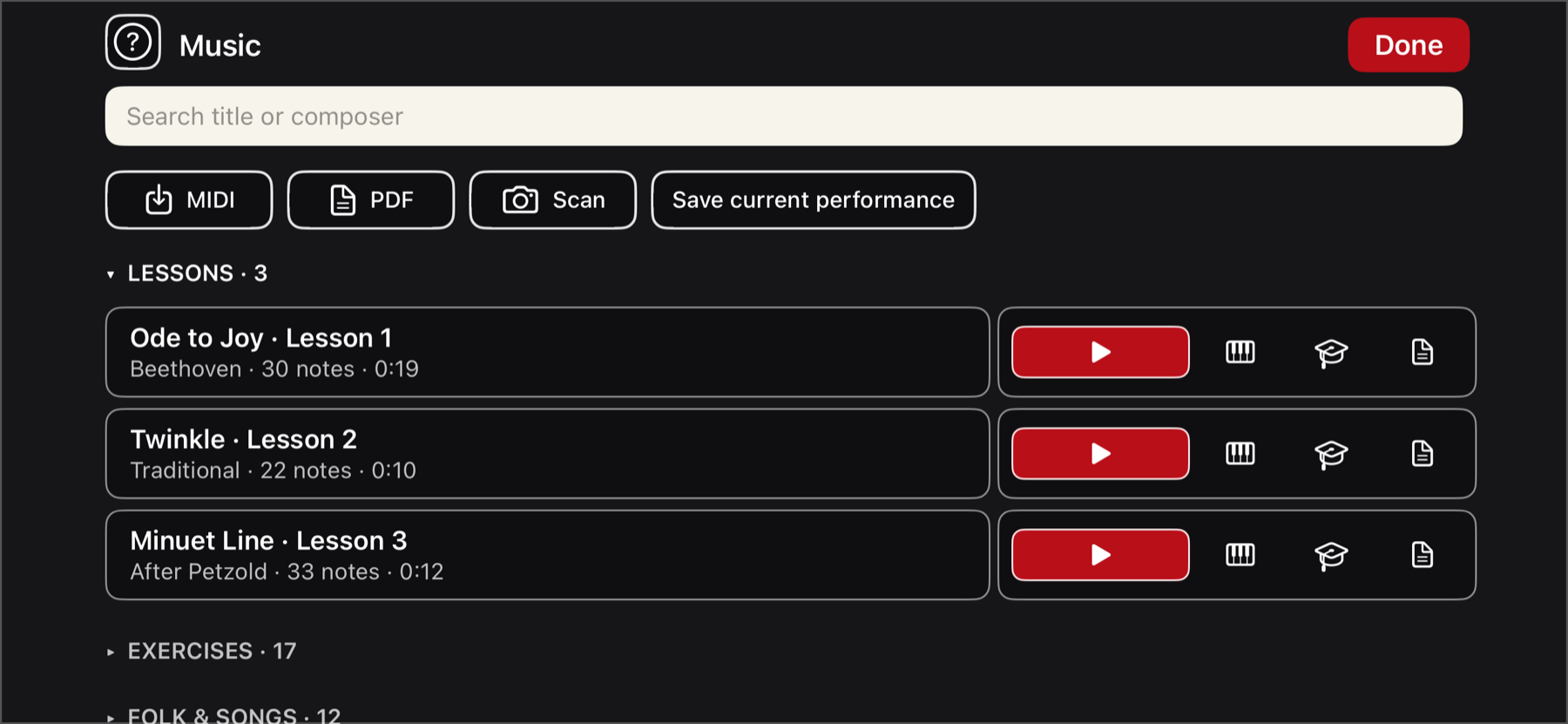
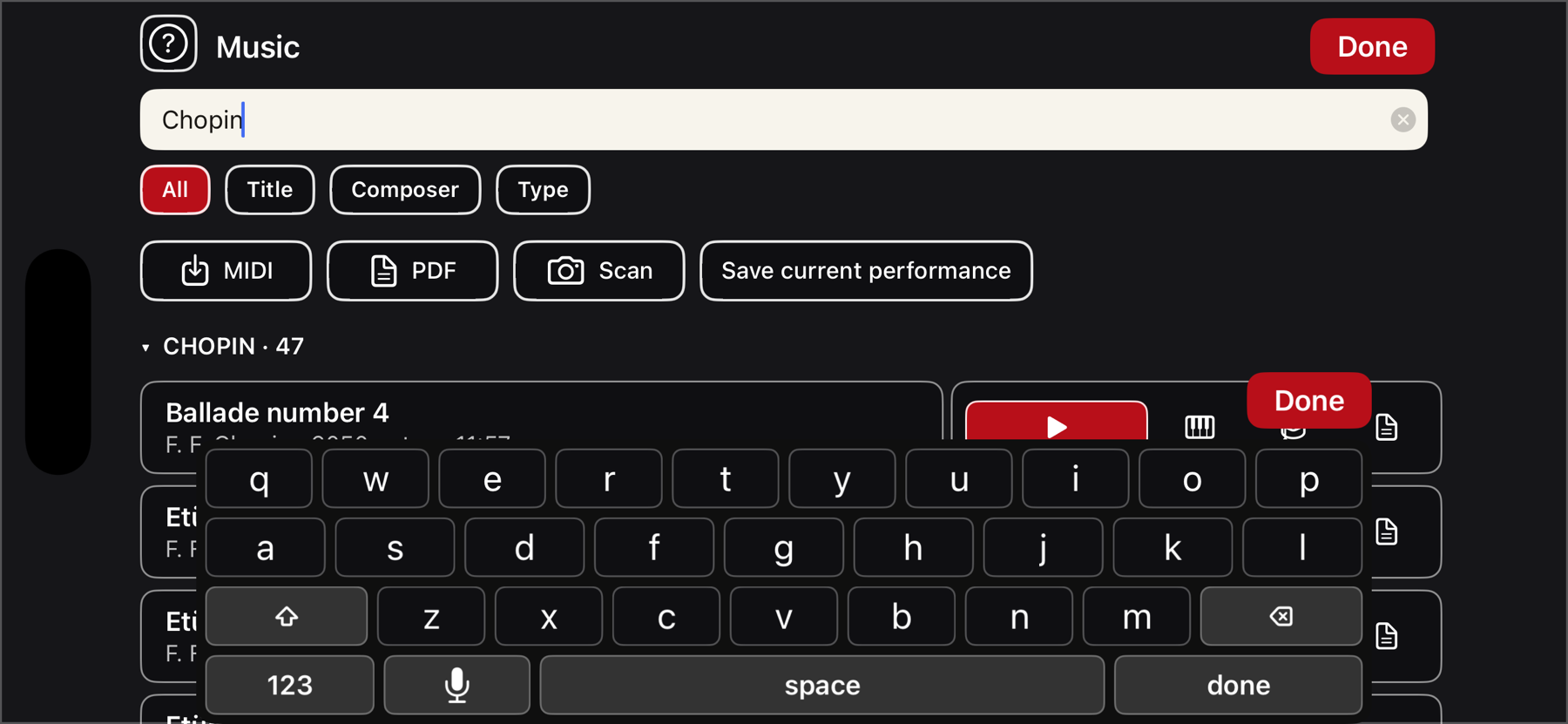
- 1,696 engraved scores (Mutopia Project)
- Listen, Play-along, and wait-for-you Learn
- Finger numbers and hands-separate practice
- Playback from a quarter-pace to 4×
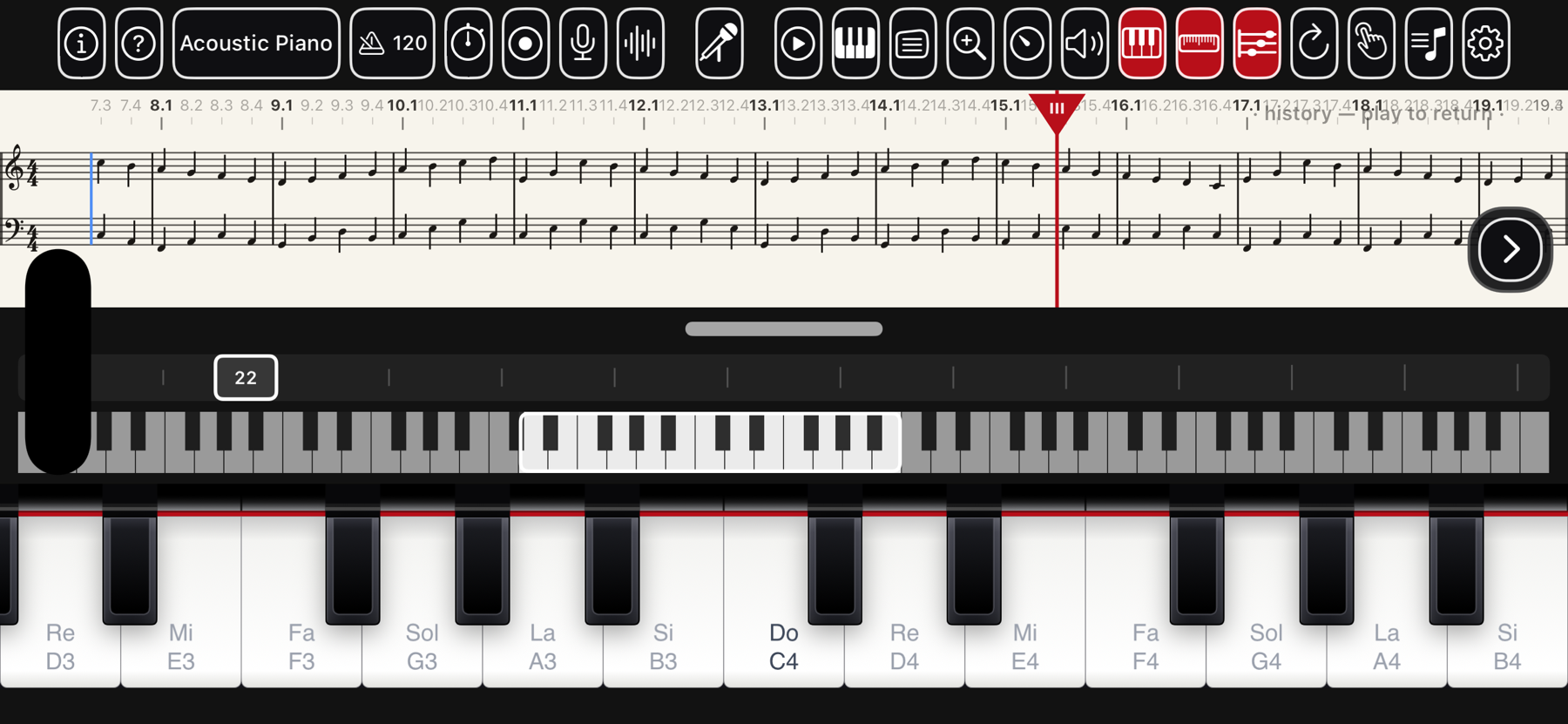
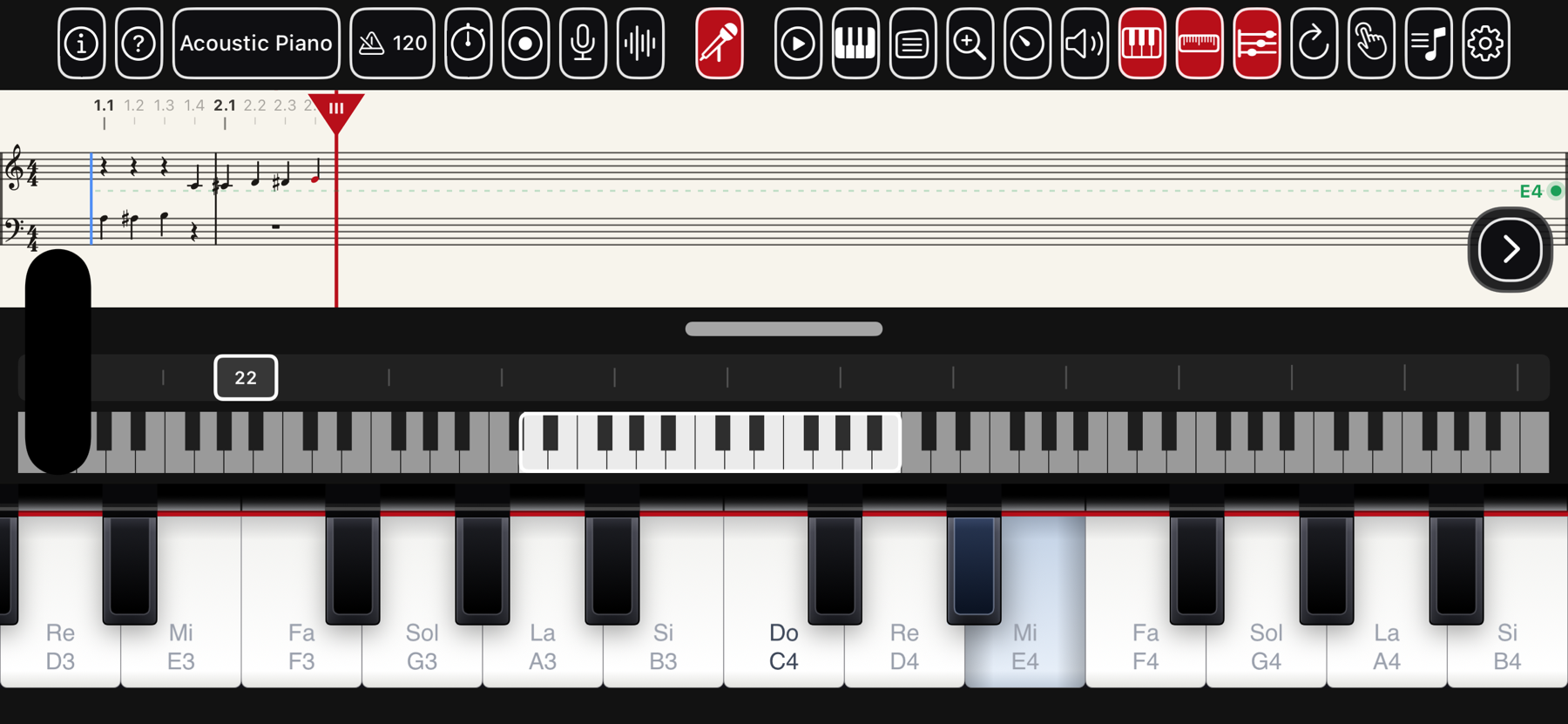
- Live sheet music in a real music font — the page slides under the fixed clefs, a blue fold line marking where
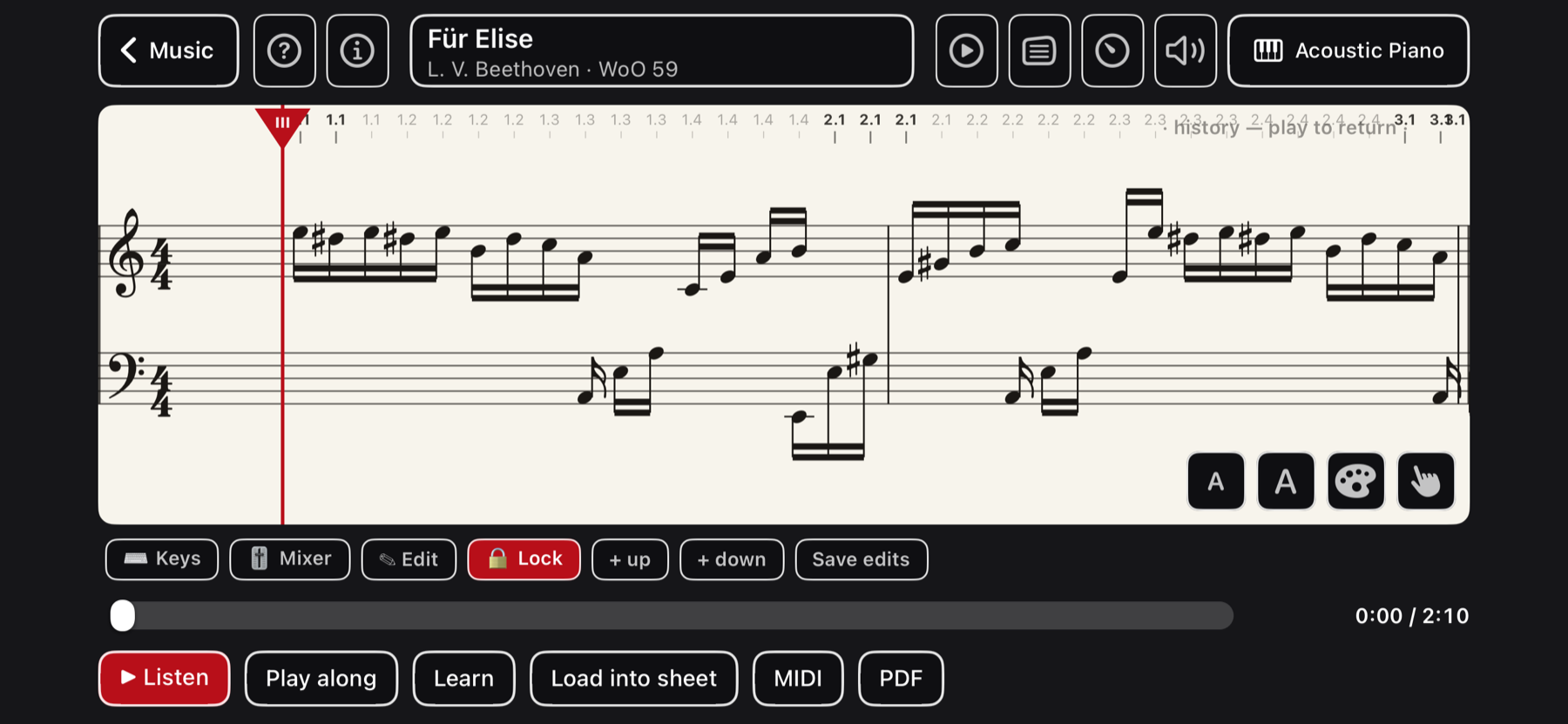
- Edit any piece on its own page — a floating keyboard, select-and-press to change a note, undo/redo
- Note-by-note editing and a draggable playhead
- Save the page to My Pieces, or clear it — piece, player and ribbon go with it — and start again
- Chord insert — play keys together or one at a time and they stack into the column just before the playhead
- Export multi-system PDF and Standard MIDI
- Import .mid and read it back
- A whole band — multi-track MIDI opens piano-first, with a per-part mixer (volume, pan, mute, solo)
- Record your playing to audio, listen back, and keep it on a Recordings shelf with its score
- Metronome that shares the engraving's tempo
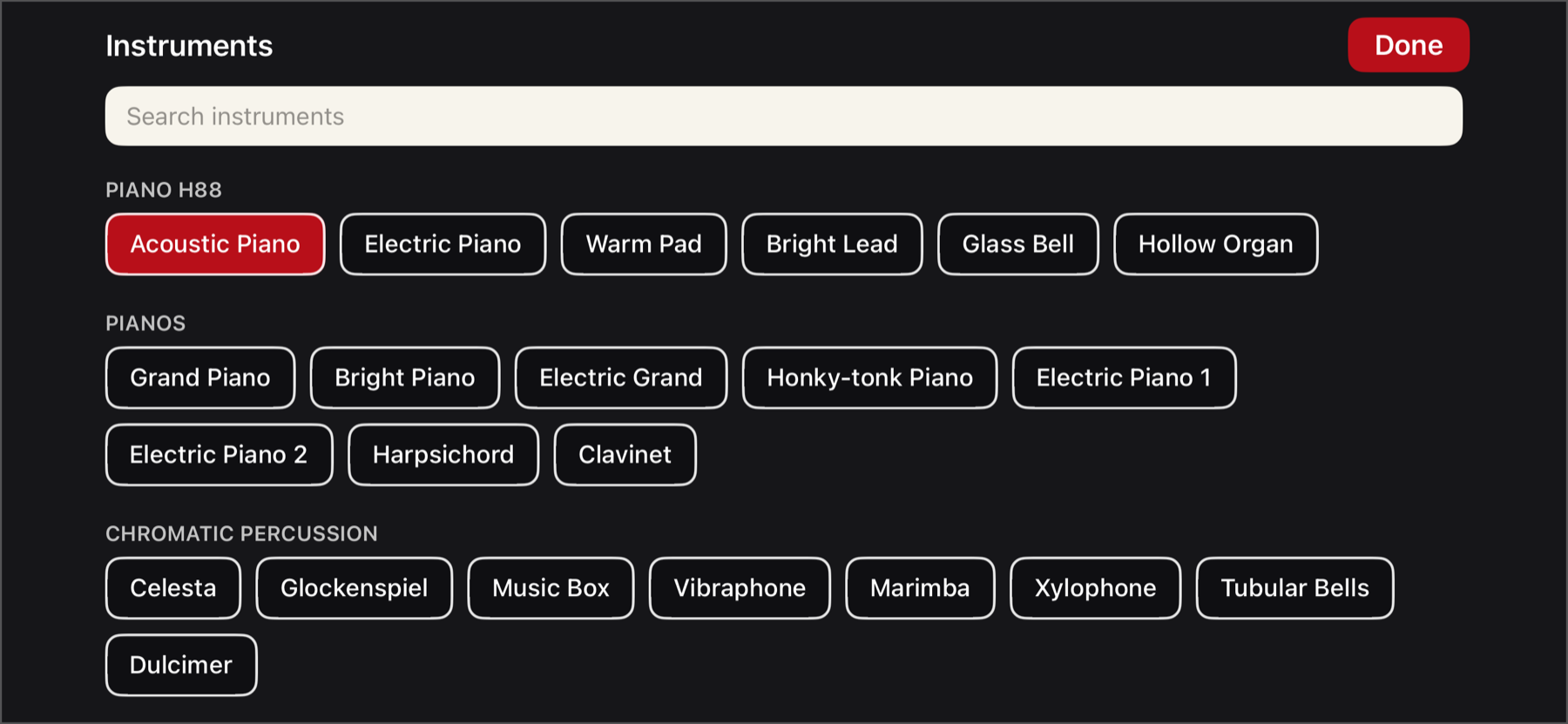
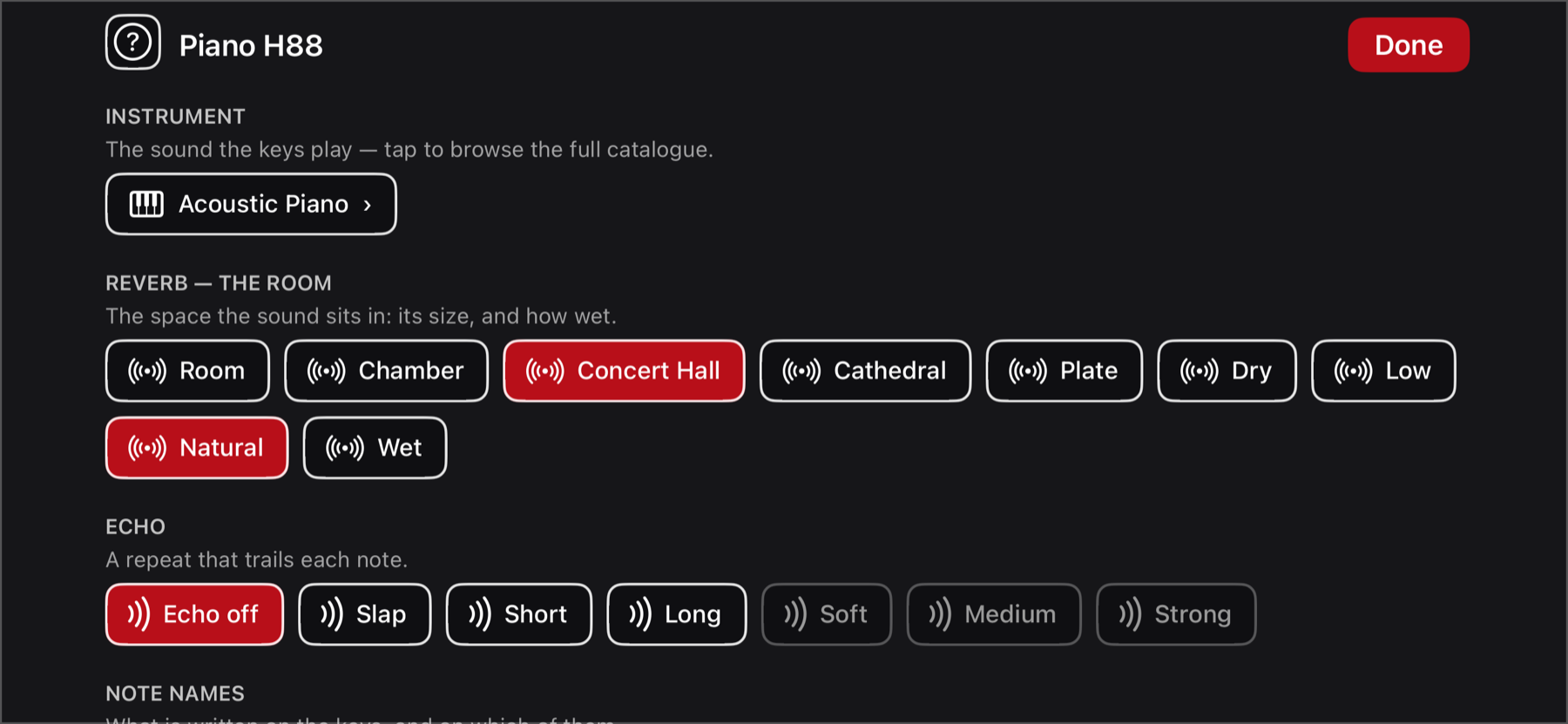
- 134 instruments (GeneralUser GS) with reverb & echo
- Letter names, fixed-do solfège, or both
- Piano Link — two devices, one keyboard
- Play any MIDI keyboard into it — and be a MIDI device others can play or record, over Bluetooth or Wi-Fi
- Mirror two devices over MIDI — a note on one sounds and appears on both, to learn or play together
- Hands-free voice control of nearly every feature, with spoken replies — even while a piece plays
- Whistle or hum to play (beta) — an on-device neural pitch model; notes land on the sheet, with key-lock, octave and sensitivity tuning, plus a smooth theremin glide mode
- A built-in chromatic tuner
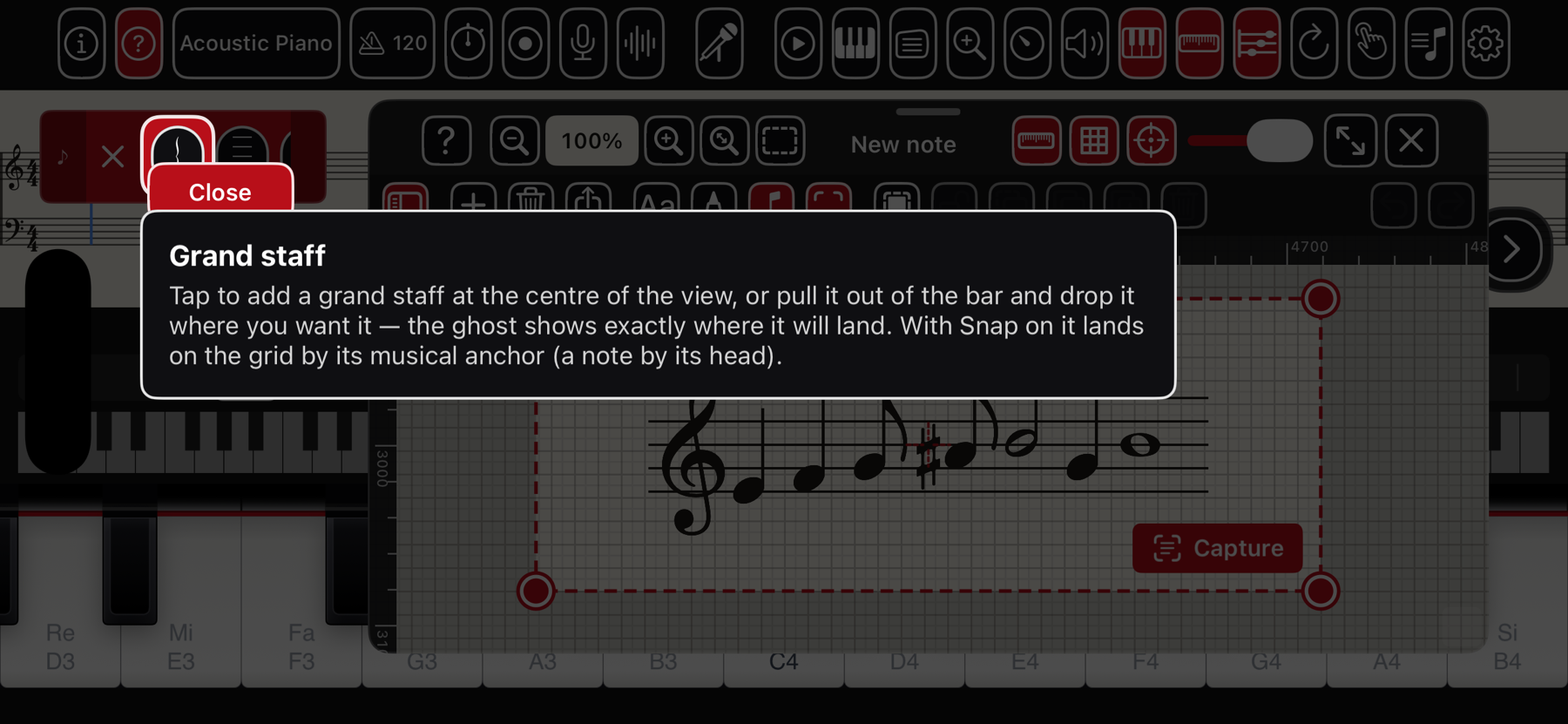
- Tap-anything help overlay that explains every control — a ? on the main bar and on every page and panel, the notepad and its menus included
- Multi-page sheet-music scanner (beta) — capture a printed score with the camera and read it onto a playable staff
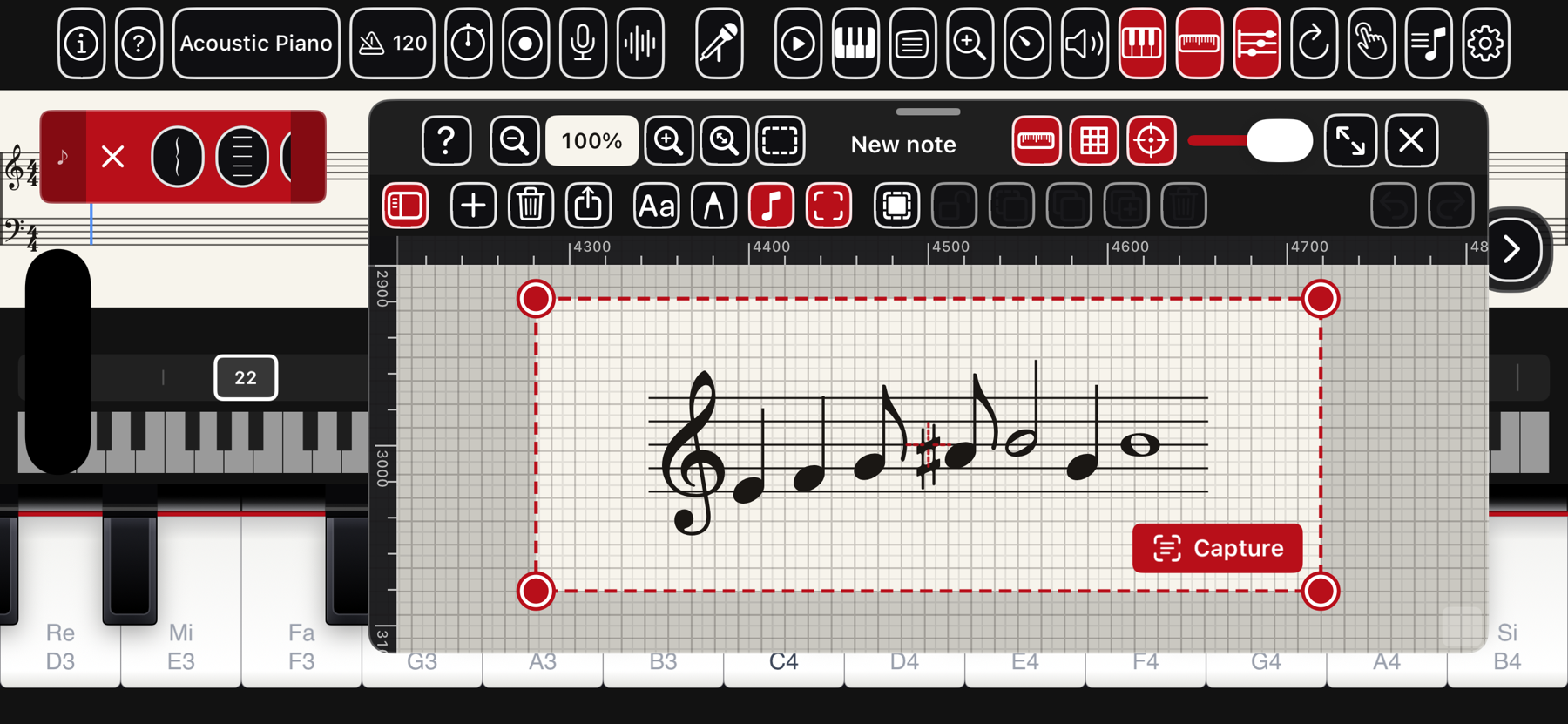
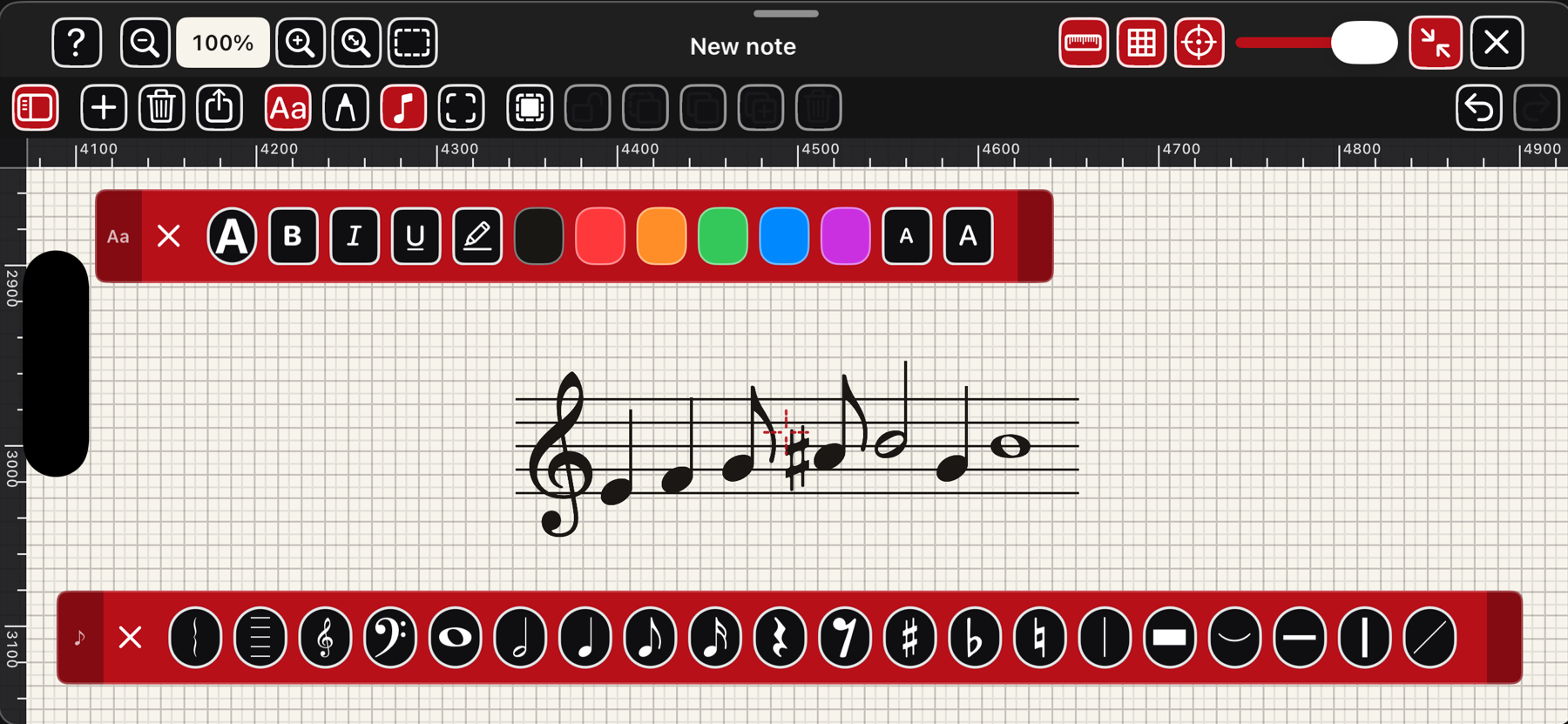
- A notepad for every piece — handwriting (Apple Pencil or finger), text boxes and stampable music elements on one canvas, with rulers, a staff-space grid and snap; a red frame marks the page's full extent, zoomable from the whole page to 300%; frame a passage and read it straight into the sheet, or export the note as PDF or PNG
The field guide
Read the guide — the complete manual, the same one that ships inside the app, chapter by chapter with real screenshots.
Every feature and every button is explained in the built-in field guide, reachable from Settings › Help inside the app. It opens right-side-up, with screenshots of the real screens.
Support
Write to support@macdevstudio.com. Helpful things to include: your device model, your iOS version, and what you were doing when the problem appeared. There are no accounts and no server — everything lives in the app on your device — so a clear description is usually all we need.
Touch feels uneven?
Open Settings and run Recalibrate touch (guided) to fit the range to your hand, or turn Touch dynamics off for one steady velocity.
Looks upside-down?
On iPhone the interface is rotated so the home-bar sits away from the keys. Hold the phone the way the content reads upright and turn on Portrait Orientation Lock.
Privacy
Piano H88 collects no data. No account, no sign-in, no ads, no analytics, no tracking. Your settings, scores, practice diary, and the pieces and recordings you make stay on your device.
The app works fully offline. The microphone and camera are used only for features you turn on, and are processed on the device — except voice commands, which use Apple's speech recognition (Apple may process that audio to return text, under its own policy; we never receive it). Piano Link is peer-to-peer over the local network with no server. The only time the app itself reaches the internet is the optional “About this piece” page, which looks up a description from Wikipedia. The full policy is at privacy.html.